

Late fees rarely come from not having the money. They come from a bill you forgot, a due date that moved, or a week when four bills landed at once, the situation a monthly bill tracker prevents.
A bill tracker fixes that with one sheet of paper. Every bill, its due date and its amount sit in one place, and you check each one off the day you pay it.
This guide shows you how to fill in the free monthly bill tracker and the matching bill calendar, which bills to put on them, and how to keep the system running with about 15 minutes a month.
What’s in the printable
There are two pages. Use them together.
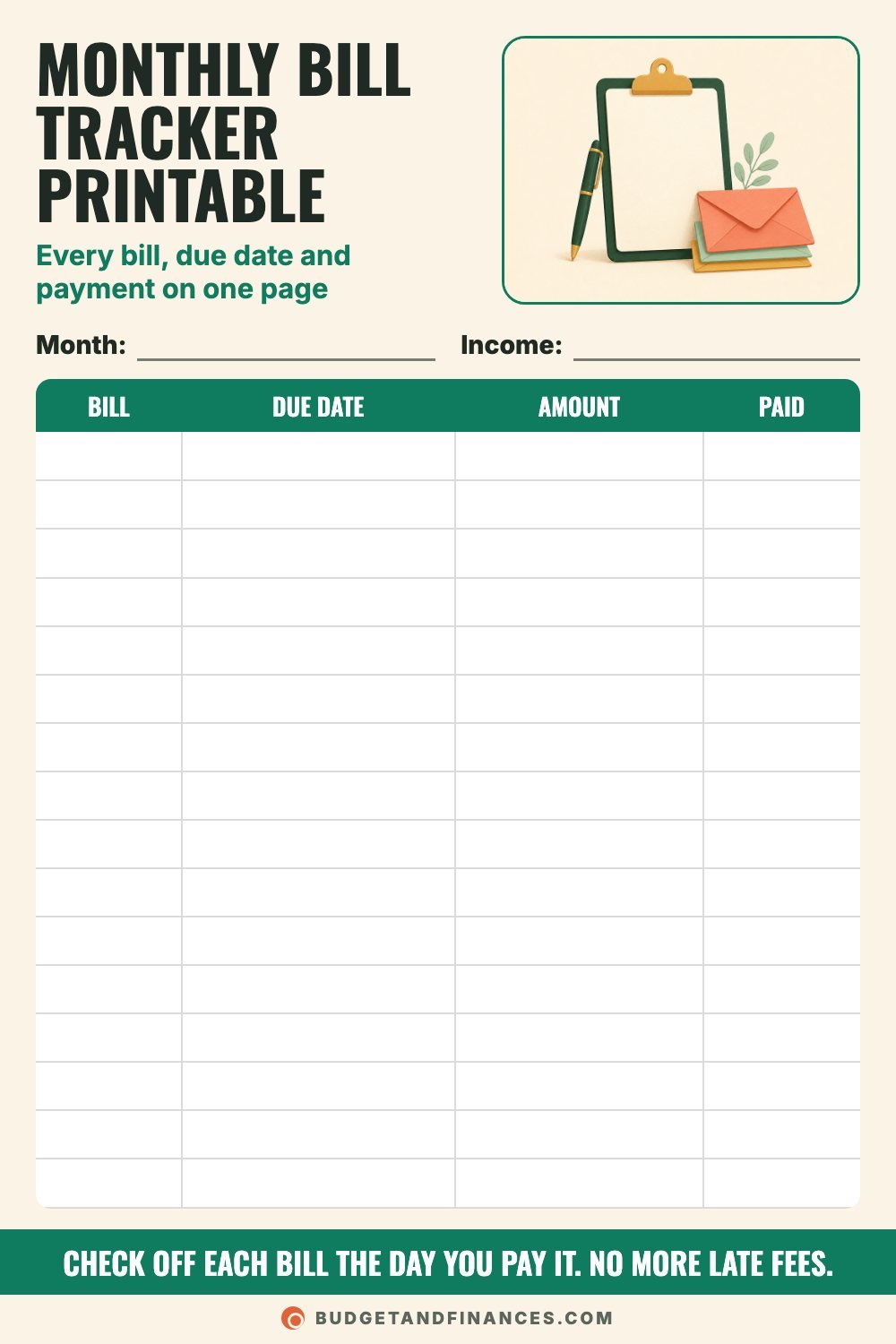
- Monthly bill tracker. A list of every bill with its due date, amount and a Paid box. This tells you what’s owed.
- Bill due date calendar. A 31-day grid where you write each bill on the day it’s due. This tells you when the money has to be there.
How to fill in the monthly bill tracker
The top fields
- Month: the month you’re tracking.
- Income: your expected take-home pay for the month. Having it on the same page lets you compare it to your bill total.
The columns
The tracker has 16 rows and four columns.
- Bill: the name of the bill, like “Rent” or “Electric.”
- Due date: the day of the month it’s due. Copy it from your statement or account instead of going from memory.
- Amount: what’s owed. For bills that change, like electric, write last month’s amount and update it when the new bill arrives.
- Paid: check it off the day you pay. Some people also write the date paid next to the check.
Step by step
- Pick a day to sit down once a month, like the 1st or the weekend before.
- Pull up last month’s bank and credit card statements.
- Write down every recurring charge you see, one per row.
- Sort them by due date, earliest first. It makes the list easier to follow during the month.
- Add up the Amount column and compare it to your income at the top.
- During the month, check off each bill the moment it’s paid.
Bills to list on your bill tracker
The bill you forgot to list is the one that gets paid late. Go through each group and write down what applies to you.
Housing
– Rent or mortgage
– HOA dues
– Renters or homeowners insurance
Utilities
– Electric and gas
– Water, sewer and trash
– Internet and cell phone
Insurance
– Car insurance
– Health insurance premiums
– Life insurance
Debt
– Credit card minimums
– Car loan
– Student loans
Subscriptions
– Streaming services
– Gym or fitness classes
– Apps and cloud storage
Not every month (easy to forget)
– Car registration
– Property taxes not paid through escrow
– Annual memberships and renewals
– School fees and sports registrations
Bills people forget to budget for
Some bills only show up a few times a year, which is exactly why they cause trouble. Watch for these nine:
- Car registration: once a year, sometimes every two.
- Car maintenance: tires, brakes and oil changes.
- Property taxes: if they aren’t paid through escrow.
- Water and sewer: some towns bill every quarter.
- Insurance premiums: some are paid every 6 or 12 months.
- Yearly memberships: warehouse clubs and shipping plans.
- Medical bills: bills that arrive after the visit.
- School costs: supplies, fees and field trips.
- Pet care: vaccines, checkups and licenses.
Write these at the bottom of your tracker as a yearly list, with the month each one is due. Then divide each yearly bill by 12 and save that much every month, so the money is there when the bill comes.
How to use the bill due date calendar
The calendar shows you something the list can’t: which weeks your bills pile up.
Top fields: Month and Paydays.
Filling it in:
1. Write your paydays in the Paydays field and circle those dates on the grid.
2. Write each bill’s name and amount on the day it’s due.
3. Color in each bill when it’s paid.
When you can see the busy weeks, you can plan the paychecks. Any bill due before your next payday has to come out of the paycheck you already have.
Worked example: a month of bills
Say your take-home pay is $3,200, paid as two checks of $1,600 on the 1st and the 15th. Here’s what the tracker looks like:
| Bill | Due date | Amount | Paid |
|---|---|---|---|
| Rent | 1st | $1,050 | |
| Car loan | 5th | $240 | |
| Internet | 9th | $60 | |
| Phone | 12th | $55 | |
| Electric | 14th | $95 | |
| Car insurance | 17th | $120 | |
| Credit card | 21st | $40 | |
| Streaming | 24th | $15 | |
| Student loan | 28th | $150 | |
| Gym | 30th | $30 |
The bills total $1,855, which leaves $1,345 of the $3,200 for groceries, gas, savings and everything else.
Now put them on the calendar. The first week (days 1-7) has $1,290 in bills. Days 8-14 have $210. Days 15-21 have $160. Days 22-31 have $195.
Every bill due before the 15th has to come from the first paycheck. That’s $1,500 out of $1,600, leaving just $100 for two weeks. The second paycheck only covers $355 in bills.
The fix: call the car lender and ask to move the due date from the 5th to the 20th. Now the first paycheck covers $1,260 in bills and leaves $340. The second covers $595 and leaves $1,005. Same bills, same income, a much calmer first half of the month.
For the yearly list, say car registration is $120, renters insurance paid once a year is $180, a warehouse club membership is $60 and pet vaccines are $120. Divided by 12, that’s $10, $15, $5 and $10, or $40 a month set aside.
How to never miss a bill payment
Write it down, set a reminder, check it off. These seven habits do the rest.
- Sit down once a month. Pick a day, like the 1st, to fill in your bill tracker for the whole month.
- Autopay the fixed bills. Bills that never change, like a loan payment, are easy to automate. Check that they posted.
- Pay variable bills by hand. Review electric and credit card bills before paying so mistakes don’t slip by.
- Ask to move due dates. Many companies let you change a due date. Line bills up with your paydays.
- Keep a buffer in checking. A small cushion means an autopay won’t overdraw your account in a tight week.
- Set reminders 3 days early. Add a phone reminder a few days before each due date for bills you pay by hand.
- Check it off right away. Mark a bill paid on the tracker as soon as you pay it so you never pay twice.
Common mistakes
Only listing monthly bills. Quarterly and yearly bills are the ones that surprise you. Keep a yearly list at the bottom.
Trusting autopay without checking. Cards expire and accounts change. Glance at your bank account to confirm each automatic payment went through.
Writing due dates from memory. Copy them from statements. Due dates can shift when you change plans or providers.
Ignoring the calendar. A bill total that fits your income can still overdraw your account if it all lands in one week.
Starting fresh every month. Keep last month’s sheet. Copy the list forward and just update amounts.
FAQ
Should I put bills on autopay?
Autopay works well for fixed bills that don’t change, like loan payments and insurance. For bills that vary, many people prefer to review the amount first and pay by hand, so billing errors get caught.
Can I really change a bill’s due date?
Many lenders, card issuers and utility companies will move a due date if you ask. Call or check your online account. It may take a billing cycle to take effect, so keep an eye on the first new statement.
How do I track bills that are due every few months?
List them in a yearly section with the month they’re due. Divide the yearly total by 12 and save that amount each month, so the bill doesn’t have to come out of one paycheck.
What’s the difference between a bill tracker and a budget?
A bill tracker covers what you owe and when it’s due. A budget covers everything, including groceries, gas, savings and fun. Use the bill tracker to make sure the fixed part of your budget gets paid on time.